
1:05
Read the docs →
What is Return Editor? AI contract review on your computer
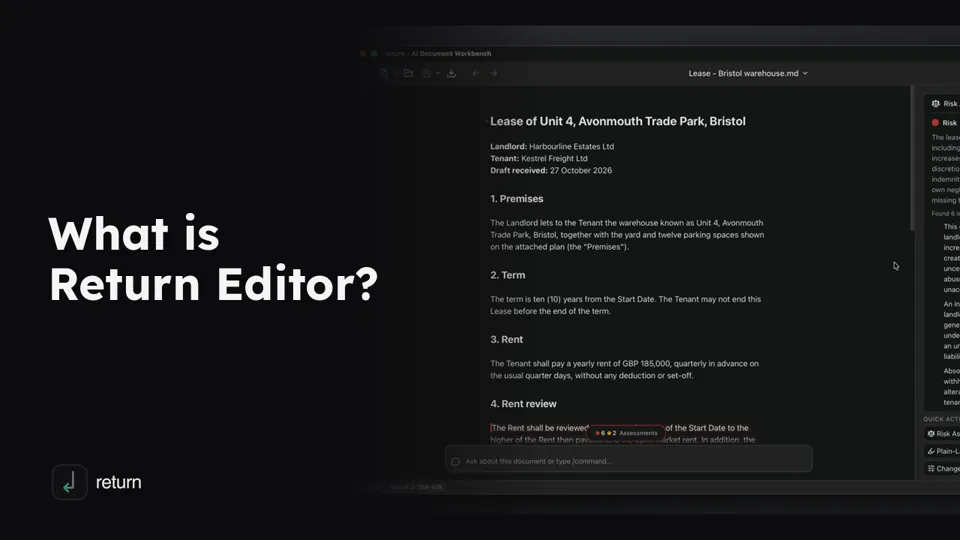
Return Editor is a document editor with AI, built for reviewing contracts, on Mac and Windows.
(opens YouTube in a new tab)Videos
Short tutorials, one to two minutes each, from the first look at Return to building your own AI checks. Watch on YouTube ↗
Return Editor is a document editor with AI, built for reviewing contracts, on Mac and Windows.
(opens YouTube in a new tab)
Return Editor comes with its own AI engine: nothing to install, no account to create.
(opens YouTube in a new tab)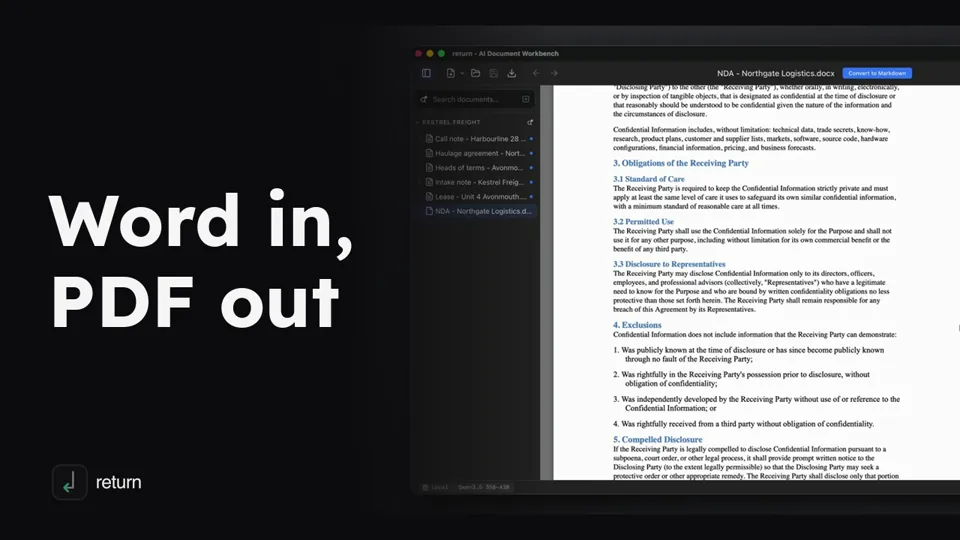
Open a .docx as it looks in Word, convert it to a plain text copy you can edit and analyse, and export a clean PDF when it is ready to send.
(opens YouTube in a new tab)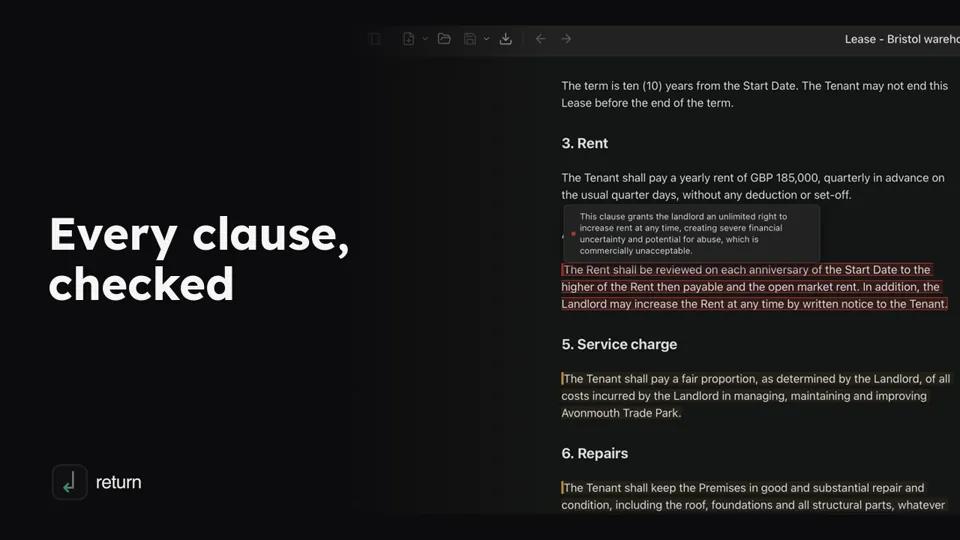
Review a draft lease with AI on your own computer: Risk Assessment flags the passages that need attention and lists what is missing.
(opens YouTube in a new tab)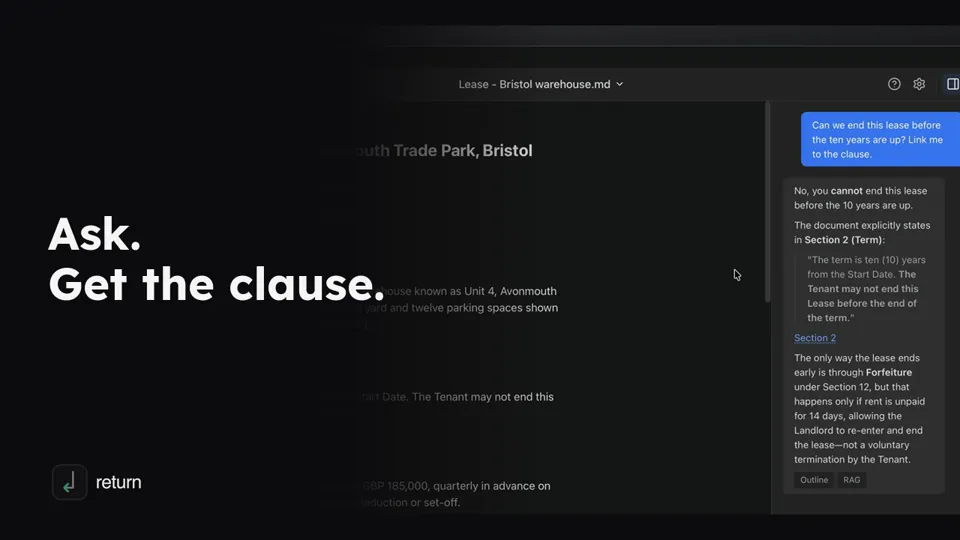
Ask a contract a question in plain English and get an answer that quotes the lease and links to the clause it relies on.
(opens YouTube in a new tab)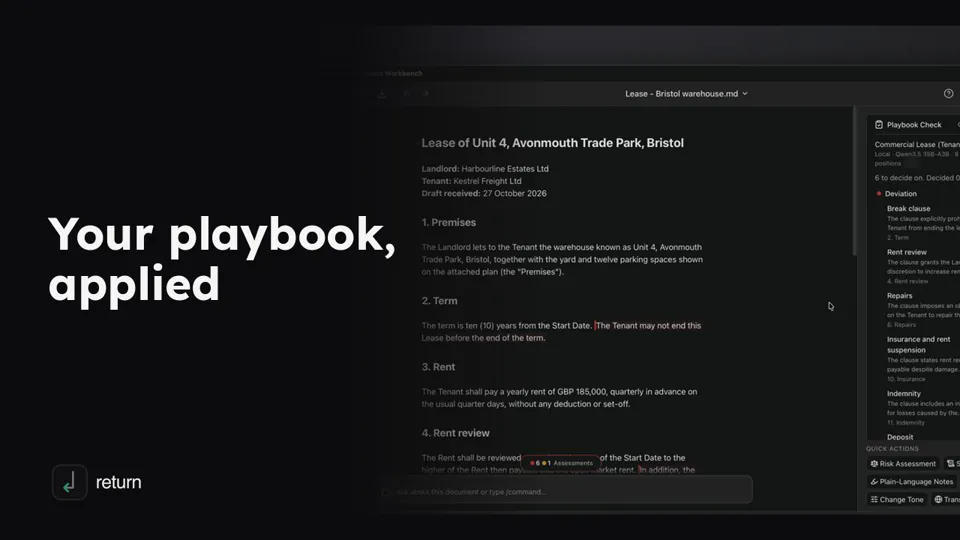
Keep your positions on a type of contract in a playbook: what you want, what you can live with and what you never sign.
(opens YouTube in a new tab)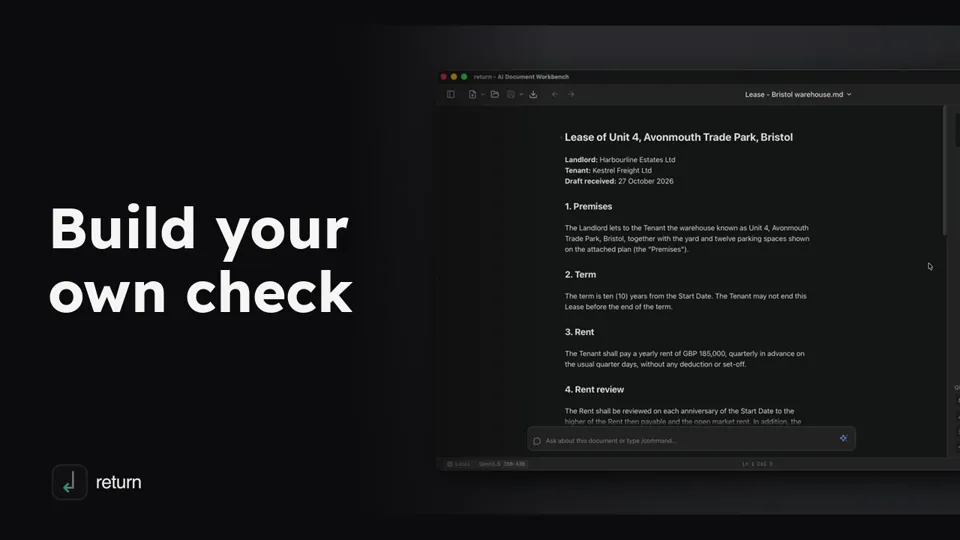
Returns are reusable AI actions, and you can make your own: this video builds a check for one-sided discretion.
(opens YouTube in a new tab)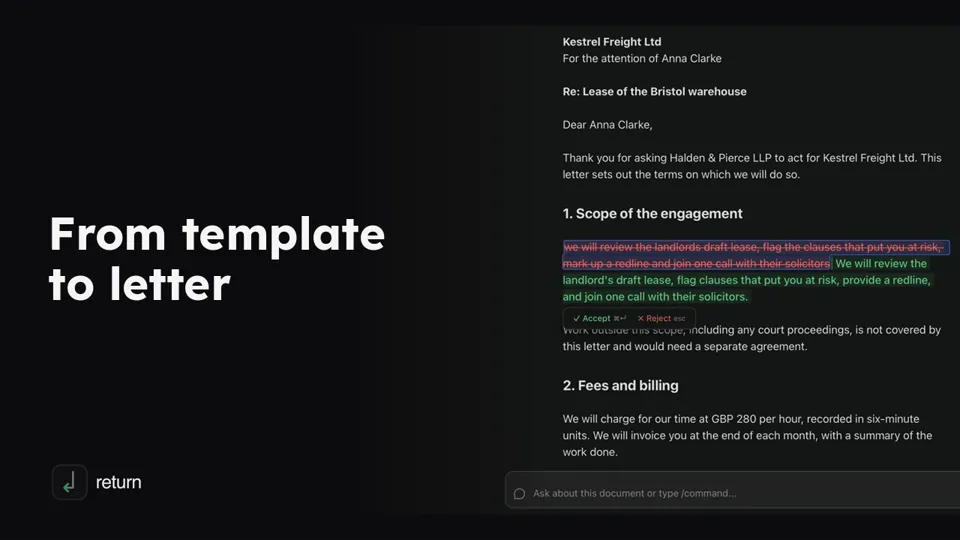
Draft a client engagement letter from your own template, then polish it with AI: Refine, Change Tone and a plain request in the chat.
(opens YouTube in a new tab)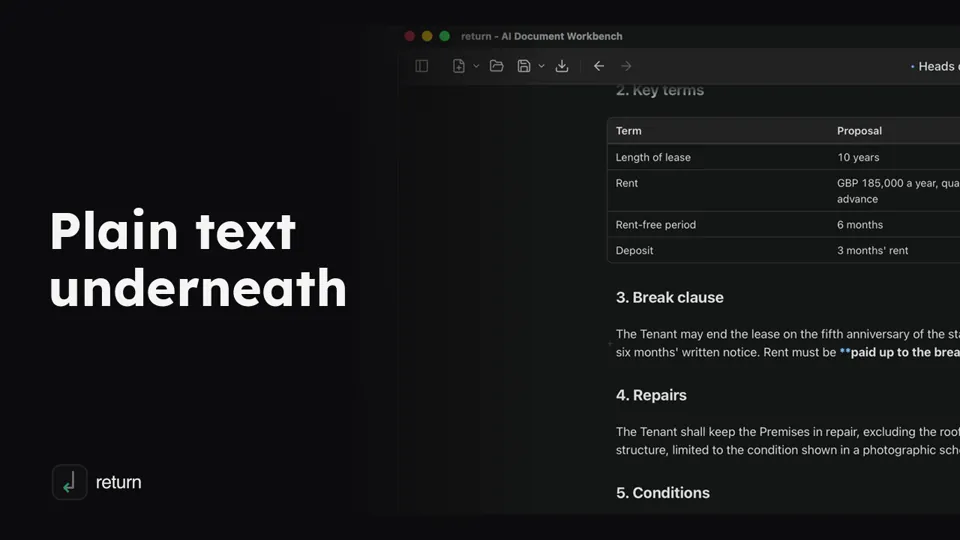
Return Editor shows a formatted document, but every file is plain text written in Markdown.
(opens YouTube in a new tab)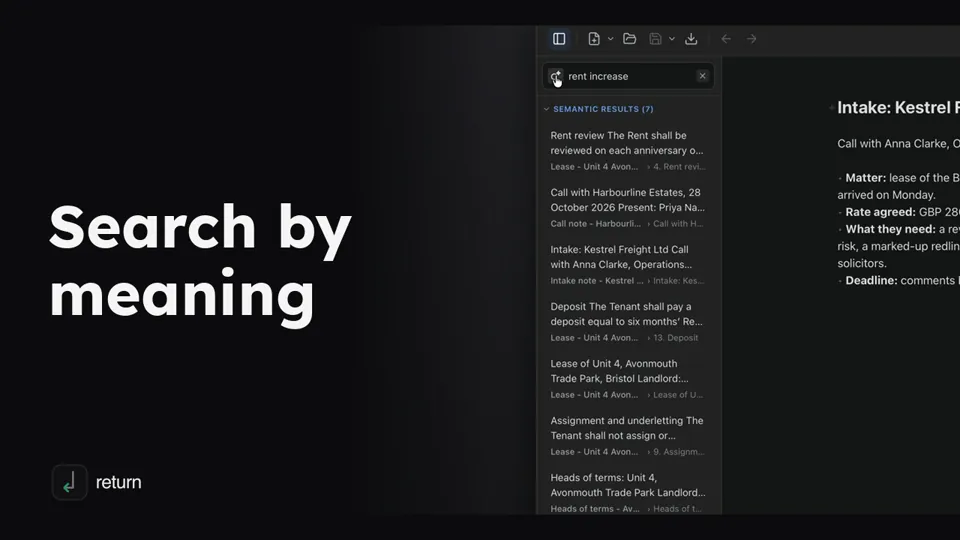
Find the clause you mean even when the document uses other words.
(opens YouTube in a new tab)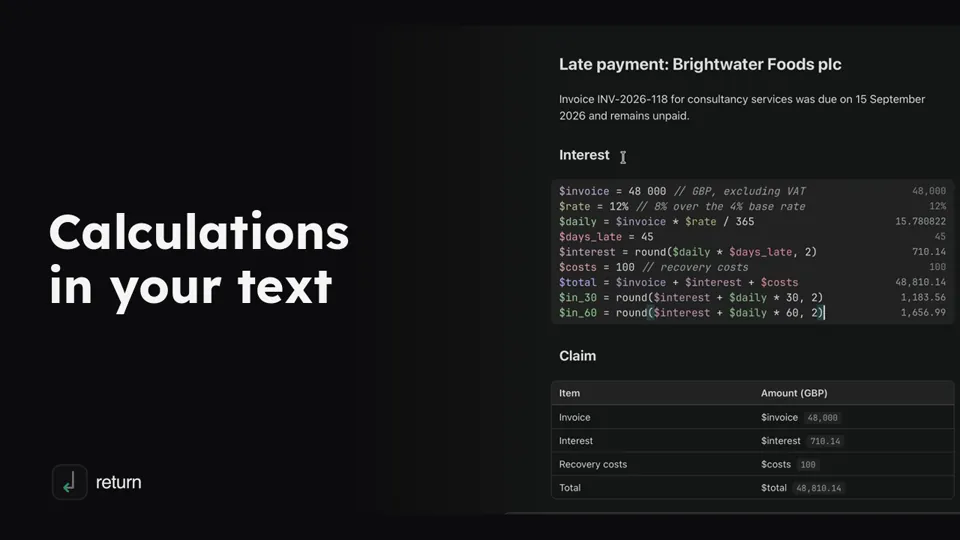
Return Editor can calculate inside your documents: tables and charts read the same values by name, so when one number changes, everything follows.
(opens YouTube in a new tab)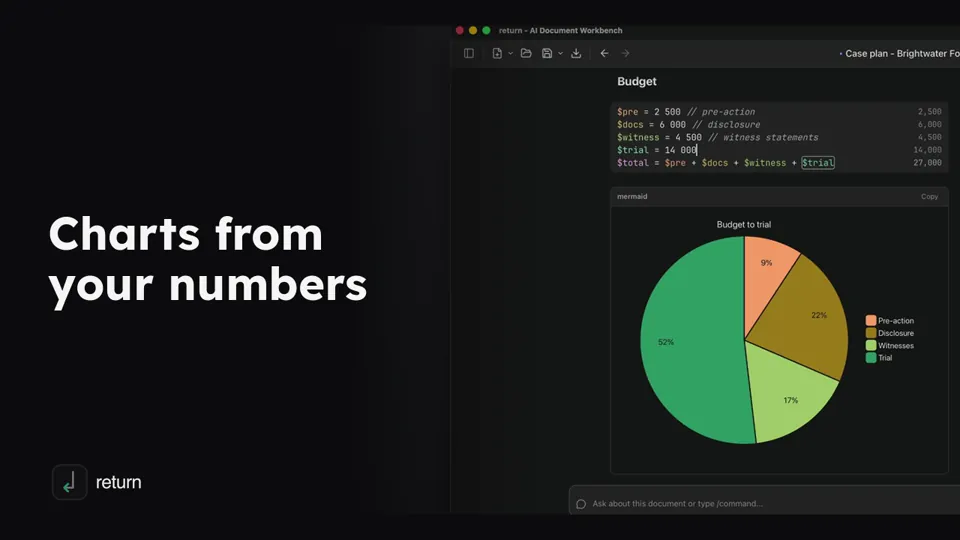
Return Editor draws charts from plain text in your documents.
(opens YouTube in a new tab)