
Placeholders
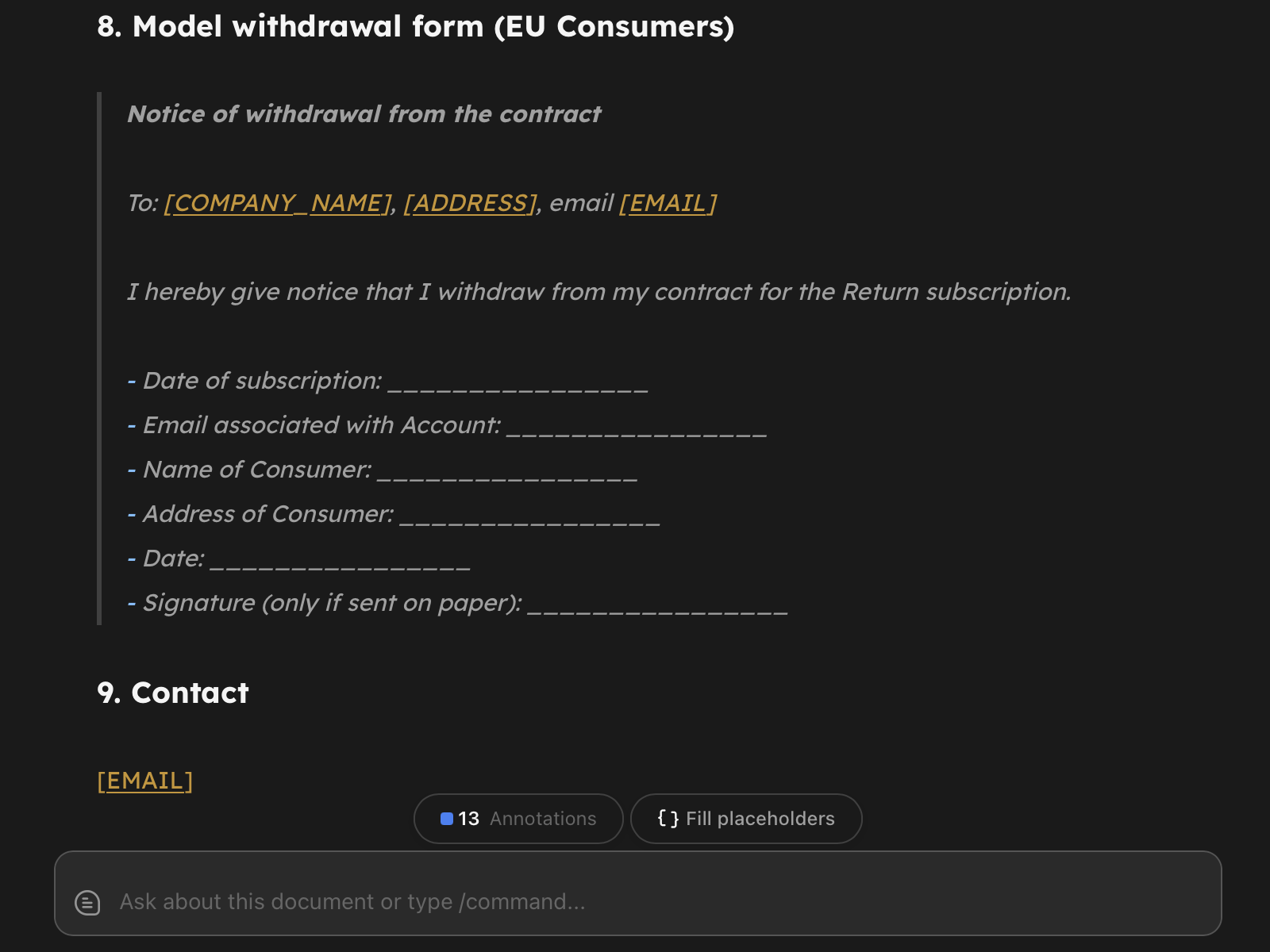
Placeholders let you turn a document into a reusable template. Mark a spot with {{NAME}} or [NAME], and Return will detect it, show a Fill placeholders pill in the editor, and let you generate a filled copy in one click - without touching the source.
Syntax
Two formats are recognized:
{{CLIENT_NAME}}- Handlebars-style. Recommended for new templates because it matches Return’s Returns system (so the same template can be reused later by AI-powered Returns).[CLIENT_NAME]- square-bracket style. Useful when migrating templates from Microsoft Word, where this convention is common.
Both are equivalent. Names must be UPPERCASE letters, digits, and underscores, and start with a letter. That heuristic is what lets [link](https://...) and [see art. 5] keep behaving as ordinary markdown - only ALL-CAPS bracketed words are treated as placeholders.
You can mix both styles in one document; Return groups them by name so {{CLIENT}} and [CLIENT] in the same file count as a single field.
Type hints (optional)
Append :date to a name to render a date picker instead of a plain text input:
{{DATE_SIGNED:date}}- renders a date picker
That’s the only hint with a dedicated input in v1. The parser accepts other lowercase suffixes (:money, :number, :choice) so existing templates won’t break when richer pickers land later, but today they fall back to a plain text input.
Without any hint, every placeholder is a plain text input.
Filling
When the document contains at least one placeholder, a small Fill placeholders pill appears in the editor’s bottom-right hover row. Click it (or press Cmd/Ctrl + Shift + P) to open the fill modal.
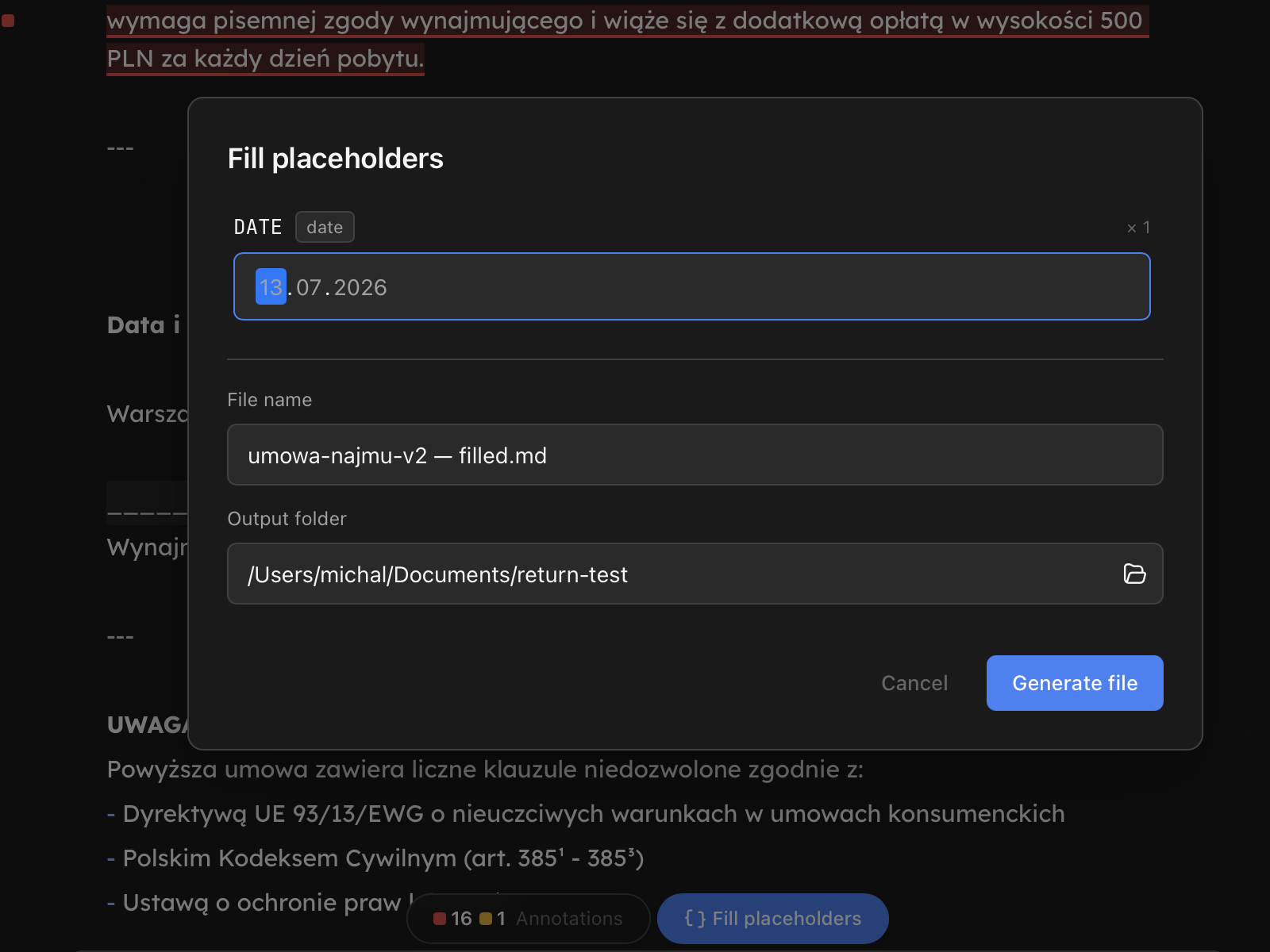
- Each unique placeholder shows once, with
× Nnext to its name when it occurs more than once. - Fill any subset of fields. Unfilled placeholders are kept in the output file in their original form - they’re not silently wiped to empty strings.
- The file name input accepts placeholder syntax too. A template named
contract.mdcan produceContract - Jane Doe.mdif you typeContract - {{CLIENT_NAME}}.mdand fillCLIENT_NAME: Jane Doe. The preview under the input shows the resolved name live. - The output folder input defaults to the source’s folder; pick another from the workspace dropdown if you want.
- Save as chooses the output: Markdown (the default), PDF or HTML. A PDF or HTML file goes through the same renderer as File → Export; tick Also keep the Markdown file to get the editable copy too.
- From a CSV file fills the placeholders from a table instead, one new file per row. See Document Templates.
What happens on generate
Click Generate file (Generate PDF or Generate HTML for those formats). Return:
- Reads the source text in memory (the source file is never modified).
- Substitutes every filled placeholder, preserving the original
{{}}or[]format at each occurrence. - Writes a new file to the chosen folder: Markdown, or the PDF or HTML you chose.
- Opens the new file as a tab in the editor.
The new file is a new document: it does not keep the source’s id, so the source’s chat, memory and playbook decisions stay with the source.
If the target filename already exists, generation fails with an error - Return never overwrites an existing file. Rename the output and try again.
Empty placeholders
If you click generate while one or more placeholders are still blank, Return asks for confirmation: “N placeholders are empty. Generate the file anyway?”. Choosing Generate with empty produces a file with the blank placeholders left intact in their original syntax - you can come back to fill them later.
Best practices
- For new templates, prefer
{{NAME}}over[NAME]- it composes with Returns later. - For templates imported from Word, the bracket form keeps working out of the box; you don’t have to migrate.
- Code is not scanned.
[NAME]or{{NAME}}inside a fenced code block, an indented code block, or inline backticks is left alone: it is neither highlighted, nor listed in the fill modal, nor substituted. A mermaid diagram’sC[VAT]stays a node label. If you need a placeholder in a code sample, keep it outside the code.
Limits
- Placeholders are filled in Markdown documents: a PDF or DOCX file can’t be the source yet (PDF can be the output).
- No nested or recursive placeholders. A filled value containing
{{B}}is inserted literally;{{B}}is not re-expanded. - AI-powered fill is planned; not available yet.